Home
PowerForce 
Introduction
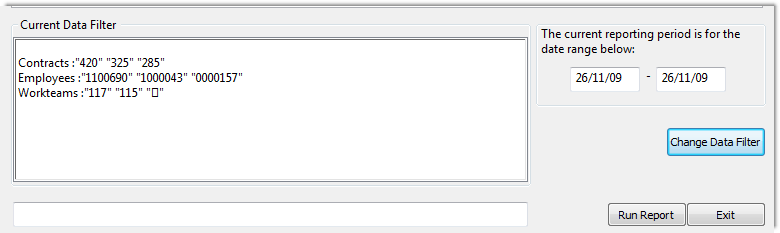
Diving right in at the point where we have selected filters against Contracts, Employees and Workteams, the below screen is indicative of how the information displays. Now press the Run Report button to see the results.
Top of Page
Running the Report
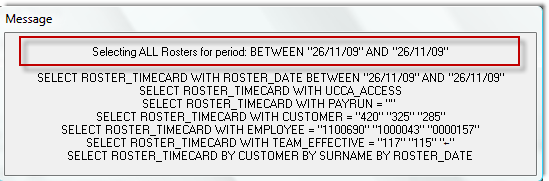
When you press the Run Report button, an image similar to the following will display. It's basically a visual listing of the filter that you have provided to the reports.
Top of Page
Section
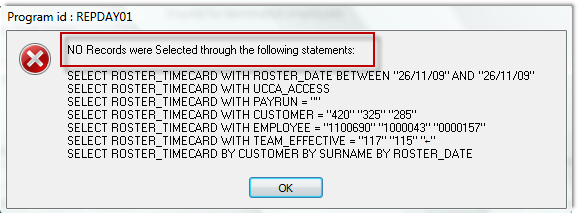
This is a sample message from the filter when the filter has not found any data matching your selection. Press OK, and remove some elements from the filter and then retry the report.
Top of Page
Summary
Top of Page
See Also
 PowerForce Controls PowerForce Controls
Running a Report Filter
Top of Page
|